Every truck. Every tech. One map.
Track your fleet the way that suits you. Your techs’ phones or tablets become the GPS once they grant location permission in the ONEREQ PRO Field app — no extra hardware, no extra cost. Already running vehicle tracking? Keep it. If your tracking provider offers an API, we connect it for you with the Fleet Pro add-on.


Not a bolt-on. Native GPS.
Other field service platforms want you to pay extra for a 3rd-party GPS add-on. We built the map into the product.
Live tech map
Every truck, updated about every 30 seconds while it’s moving. Dispatcher sees it all. Filter by trade, by status, by crew.
Customer ETAs
Automatic "on the way" text with tech photo, name, real-time ETA and a map link. No more "where are they?" calls.
Tech arrival
See the moment a tech reaches the job on the map and the board, so the office knows who is on site without a phone call.
Route replay
Scrub any tech's whole day. Useful for disputes, training, and "where was he at 2:15?" questions.
Pay for hardware only if you want to.
Most contractors don't need a separate fleet service to know where their techs are. If you do, the Fleet Pro add-on connects them.
Techs run the ONEREQ PRO Field app on their phone or tablet. Once they grant location permission, the device is your GPS — live location, customer on-the-way notices, route replay. No hardware. No monthly fee. Included.
- ✓ Live tech location (about every 30 seconds)
- ✓ Tech arrival on the map and the board
- ✓ Customer on-the-way notice
- ✓ Route replay
Already have trackers in your trucks? Keep them. The Verizon Connect connection is built in, so your trucks show on the same dispatch map as your techs. On another provider? Tell us which one and we’ll look at connecting it. We do the connection for you.
- ✓ Verizon Connect built in, more on request
- ✓ We set up the connection for you
- ✓ Unified map (techs + trucks)
Bottom line: most shops are fine on phone and tablet GPS alone. Don't pay for telematics you don't need.
Keep your current tracker. Put your trucks on the map.
Fleet Pro puts the trucks from your current tracking provider on the ONEREQ PRO live map, and adds vehicle maintenance for every truck. No rip-and-replace.
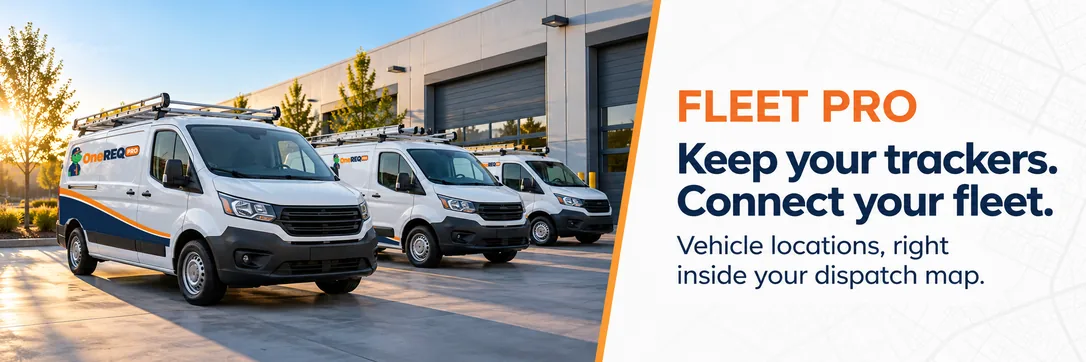
Live truck map from your tracker
We connect your tracking provider’s account and your vehicles appear on the live map next to your jobs and techs. Other providers on request. You keep your hardware and your contract.
Vehicle maintenance
A service log for each truck, scheduled service intervals, vendor and cost tracking, with photos and invoices attached to each record.
Don’t want to keep paying for hardware? Use the GPS in the ONEREQ PRO Field app on every tech’s device — included on every plan.
Two views. One source of truth.
Your dispatcher sees the full fleet. Your customer sees only their tech, with a polished branded page. No more phone calls asking "when are they coming?"
- Customer gets an automatic “on the way” text
- Live map link — updates every 10 seconds
- Branded page with your logo and colors
- Review request sent after the job is completed
Stop paying for a separate GPS tool.
ONEREQ PRO gives you native tracking and customer on-the-way notices in one login, and the Fleet Pro add-on brings in the trucks from your current tracker.